
Product Ads
Product Ads
 Targeted audience
 Product visibility
 Increase conversion
Amplify your products visibility on the lower funnel with targeted ads that reach a larger customer base and enable growth.
Start now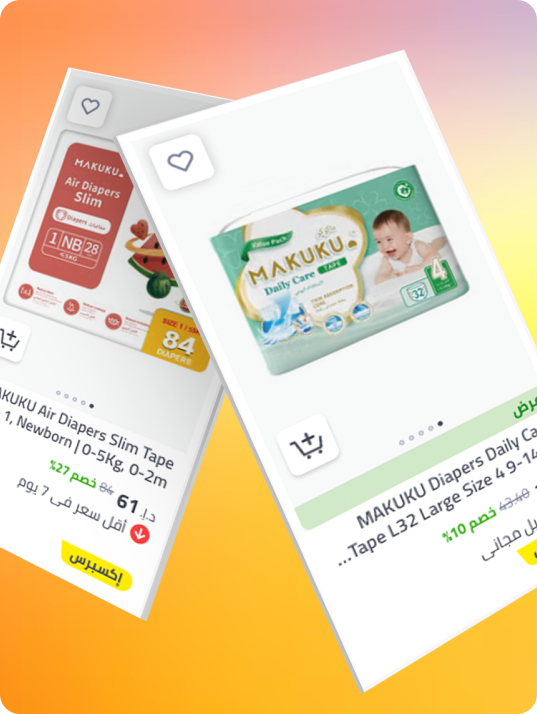
Quick Start Guide
Frequently asked questions
Product Ads are self-serve ads that are based on customer intent and appear when users search for specific products or product categories on noon.com. They work on a keyword/category bidding feature where advertisers bid on keywords and categories and their ads are displayed if they win the bid.
Any partner, including a brand, distributor or seller who is registered on our noon Partners platform will have access to run these ads.
Click on the "Start Now" button at the top right of the page and register as a noon Partner to have access to our ads manager. If you are already a noon Partner, login and you will be automatically directed to the ads manager where you can select your campaign type as "Product Ads".
Product Ads use a CPC (cost per click) model where when a customer clicks on your ad, you will be charged the bid amount that is set for the targets in your campaign.
Yes, live campaigns can be edited directly through the ads manager. Scroll to the campaigns list and select the one you want to edit, the edit option should appear. Do not forget to click on "Save and Launch" to get the campaign running again.
Product Ads will be visible in the noon app and on web in between search results for the product listing pages and product description pages.
Our self-service dashboard puts all major metrics at your fingertips, allowing you to monitor performance in real-time. Dive deeper with granular data extracts. Download and analyze data in your preferred tool for advanced insights and campaign optimization.
Anyone can access the noon Partner platform and register for a self-serve dashboard.